Remote Quick Help
One small task by phone, video, or screen-share.
$3015 minutes
For the guided help steps and display controls, enable JavaScript. You can still read the services below or text Jason.
What stays on your device, what you choose to send, and how to clear it.
Updated October 30, 2026
No account needed. No advertising cookies, advertising trackers, or analytics scripts.
You press Send. A website draft is not a message to me.
You control access. You enter your own passwords.
In conversation
When you call, text, or email Local Electronic Solutions LLC, you choose what to share. I use your contact details, device description, and service location to answer you, arrange an appointment, and provide the agreed service.
Service and billing records may need to be kept for business or legal reasons.
On this device
The website’s hosting provider may process technical information under its own policy.
When you send
Text and Email open your own messaging or email app. You review the message and press Send there. An appointment is only booked when we arrange it together.
Your phone company may process technical information under its own policy.
Offline
Your controls
During service
Get in touch
Contact me about information you’ve shared, a correction, or deletion where possible. Some records may need to stay for service, accounting, or legal reasons.
Brand names. Apple, iPhone, iPad, and Mac are trademarks of Apple Inc. LES is independent and is not affiliated with or endorsed by Apple. Other product names belong to their respective owners.
Colors show the type of help. Device icons show what I can help with.
I’m Jason. Patient tech help in Brandon, FL and nearby.
What’s happening, or what would you like to do?
We’ll agree on the help, price, and appointment.
Room for questions, practice, and next steps.
Pick the text size and appearance that suit you.
Applies throughout the site. Also in the menu.
Who I am, how I work, and your choices.
Choosing something new? Get gear
Choose yours, then start a request.
Contact Jason now
or
Tell me a little about it. We’ll agree on the help, price, and time together.
You can add more than one.
Select a device above. Then I’ll show the issues you can choose.
Nothing matches that. and describe it in your own words.
Contact Jason now
or
Add your name and who needs help. The rest is optional.
Contact Jason now
or
Find the help you need. We’ll agree on the work and price before booking.
Choose a type of help for examples.
Get a device ready for everyday life.
Personal storage can reduce subscriptions. It still needs maintenance and a separate backup; some remote-access or backup services cost extra.
Choose an example to see prices, or select Something else.
On your own device, at your pace.
Choose an example to see prices, or select Something else.
We talk through what’s happening before choosing the work and the price.
Recovery depends on the drive’s condition. I’ll explain when a specialist is the better next step.
Choose an example to see prices, or select Something else.
I check the device first, then we agree on a separate quote for the repair and parts.
Choose an example to see prices, or select Something else.
No membership needed.
One small task by phone, video, or screen-share.
$3015 minutes
One focused task or short lesson, remote or an agreed nearby visit.
$6030 minutes
Setup, troubleshooting, or a lesson, with written steps to keep.
$16090 minutes
Save $2060 minutes: $120.
After 90 minutes: $25 / extra 15 minutes, with your approval.
Veterans, first responders, healthcare workers, anyone 65+, or an earned referral reward. Eligible one-time help only; one discount per appointment.
Eligibility & exclusionsNot sure where to start?
Bulk tablet repairs, a computer refresh, or help for a department, school, or community. We’ll plan the work in batches around your needs.
Send the device models, approximate quantity, what needs attention, and your timing. I’ll confirm what I can take on and prepare a tailored quote.
Included sessions and lower visit rates.
Start with 3 monthly payments, then month to month.
1 person · all devices
$35/ month
Save $25/month using all sessions
First 3 monthly payments: $105
With optional welcome visit: $185 total
Up to 4 people · all devices
$90/ month
Save $30/month using all sessions
First 3 monthly payments: $270
With optional welcome visit: $350 total
Up to 5 people · 10 devices
$165/ month
Up to $40/month in savings $15 from included sessions + $25 toward extra help.
First 3 monthly payments: $495
With optional welcome visit: $575 total
Monthly savings assume you use all included sessions and, for Business Priority, the full $25 credit. Visit savings compare non-member prices.
Unused minutes and credit don’t roll over. Membership & scheduling details
Choose your plan. I’ll confirm your available sessions before booking.
Your device can be easier to use. Your appointment can feel easier, too.
“I can’t read my phone.”
“I lose track of the steps.”
That’s enough to begin. We can adjust the device, the pace, or both—with room to ask, try it, and ask again.
Bigger text, bolder buttons, and higher contrast.
Captions, compatible hearing aids, and alerts you can see or feel.
Dictate a message, control the device by voice, or hear text read aloud.
A calmer home screen with the apps you actually use.
Simplify access to the apps, contacts, and settings a loved one needs.
Emergency contacts, medical details, and fall detection on a compatible watch.
Reminders, or compatible lights and blinds that follow a routine you choose.
We agree on what to work on before we begin.
Ask again, take a break, or arrange another time to continue.
Learn on the device you use, with each step explained.
Try the steps yourself while I’m there to help.
I ask before changing settings or accessing your device.
Written instructions you can return to later.
Visual aids, fewer words, note-taking time, breaks, shoe covers, or gloves—tell me what helps.
Explore a few tools and ideas, with prices and what to check before buying.
We’ll start with what matters to you and check compatibility together. For communication tools, involve the person using them and their speech-language professional when available.
You can arrange the appointment and join in. I’ll include the person using the device in the conversation and work at their pace.
These choices apply across LES and stay saved in this browser on this device.
Useful tech. Thoughtful upgrades. A good fit for you.
These are places I’d start for better backups, steadier Wi-Fi, and devices that feel easier to use. I can help you choose, set it up, and get comfortable with it.
Manufacturer and store links. No affiliate commissions. Gear and subscriptions are purchased separately from LES services.
Prices in US dollars, checked November 2, 2026. Tax and shipping extra; offers and availability can change.
Keep another copy, or bring more of your storage home.
Portable storage or a drive that stays at home.
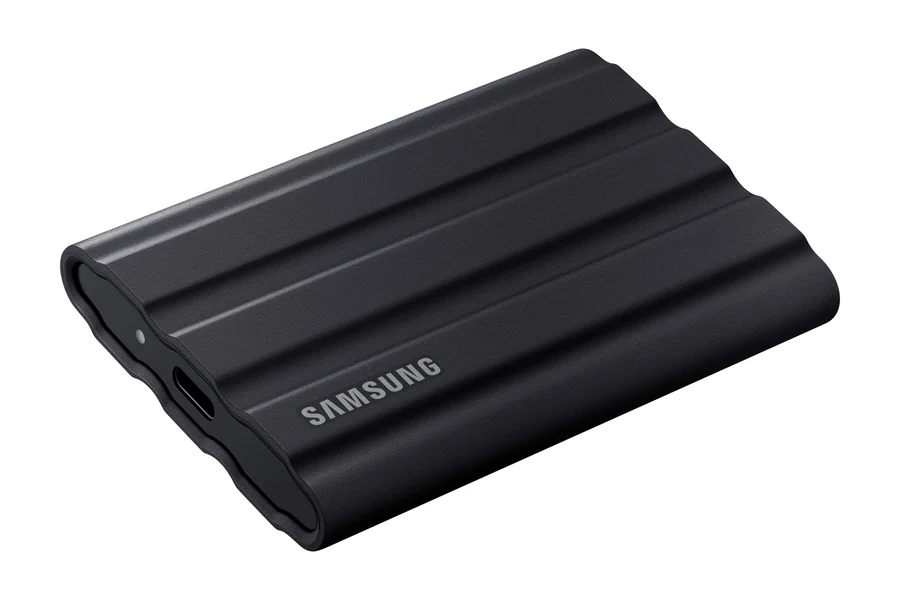
Samsung
A backup you can take with you
My pick for a compact drive that can travel between home, work, and a visit. Fast, simple storage without a monthly storage bill.
Choose capacity for your files and room to grow. We’ll match the format to your Mac, PC, or both, then set up automatic backups.
A drive only becomes a backup when it holds an extra copy. Keep the original, and keep another copy away from the same location.
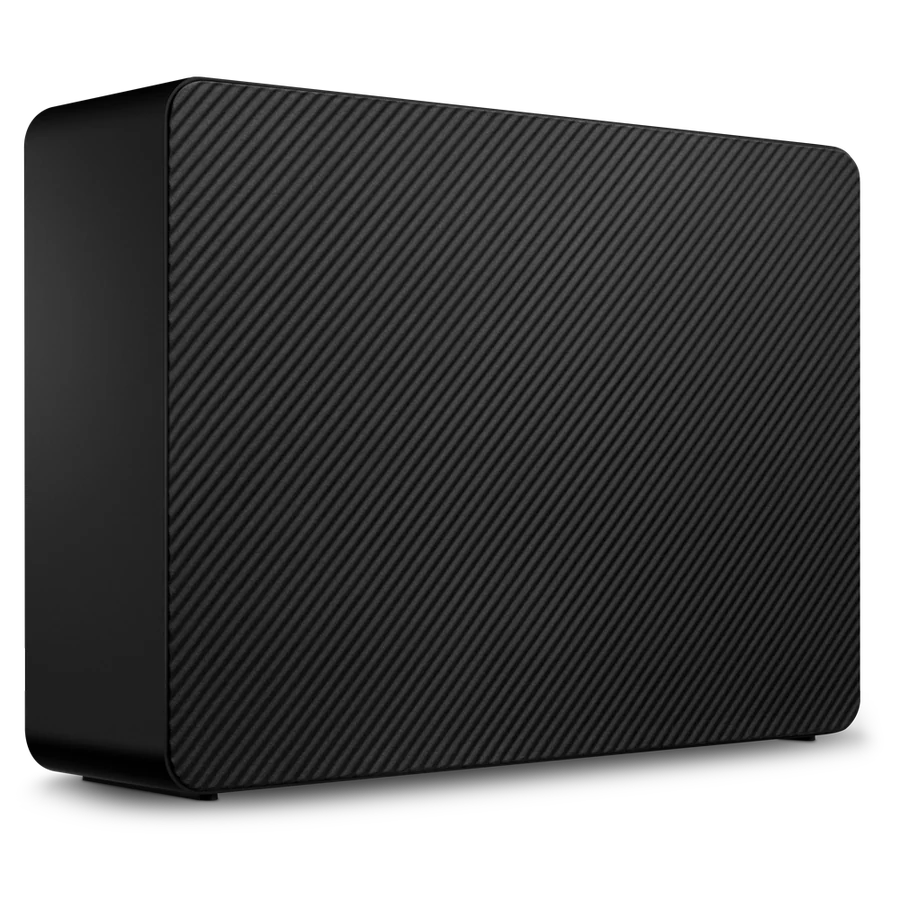
Seagate
Room for a larger backup
A desktop hard drive can hold a large photo library or computer backup. This 4 TB model is an example to compare with current in-stock options.
Needs its own power outlet. Best left in one place; choose capacity for the backup you actually need.
A spinning hard drive is slower than an SSD. Neither should hold your only copy of important files.
Personal storage with a plan for backup and upkeep.
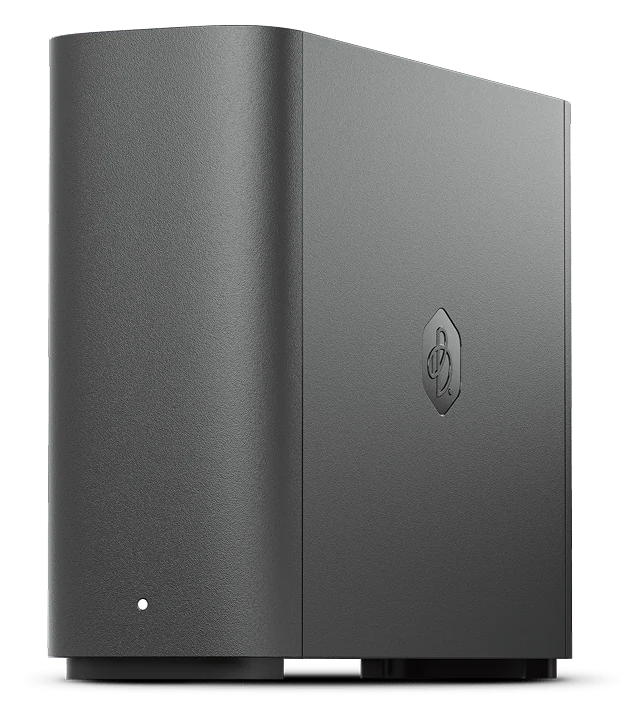
Synology
Your files, on storage you own
My starting point for someone who wants a simpler personal cloud at home: a central place for photos and files, without buying another tier of online storage.
Connects to your router. Remote access needs internet. We’ll plan who can access it, how your devices sync, and where its own backup goes.
Owning the storage reduces reliance on subscriptions; it still needs upkeep and a separate backup. Optional BeeProtect off-site backup for 8 TB is $11.99/month or $119.99/year. Optional Plex features and later Acronis renewals can cost extra.
Improve what you already use before replacing it.
Good placement before more hardware.
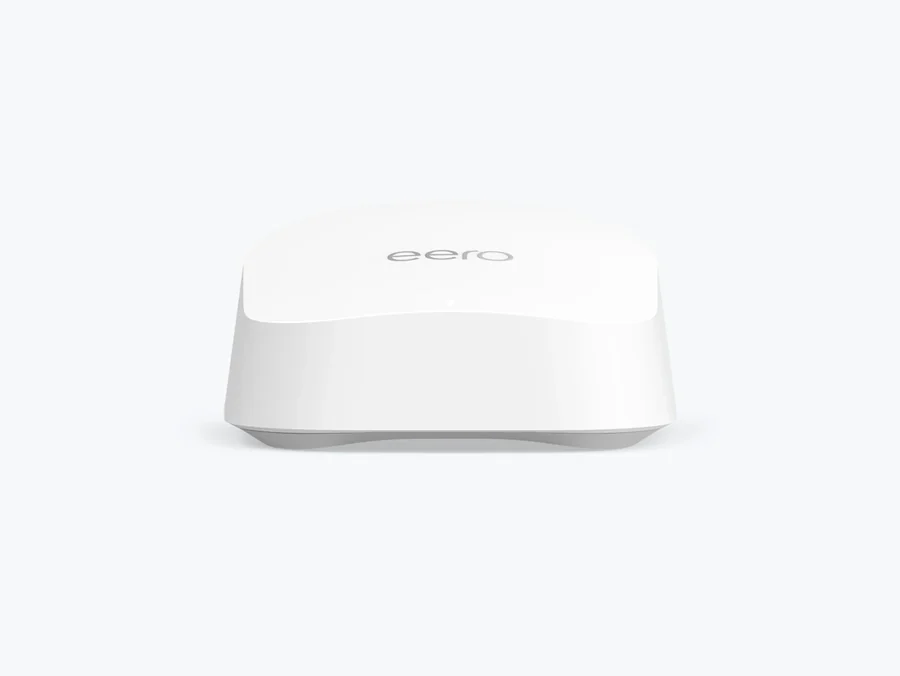
eero
Wi-Fi that’s easier to live with
A straightforward mesh option for a home that needs more consistent coverage. I’d start with good placement and the fewest units that do the job.
We’ll check your modem, internet plan, home layout, and existing router first. Extra units don’t automatically mean better Wi-Fi.
eero Plus is optional: $9.99/month or $99.99/year. Your internet provider’s charges are separate.
Choose the right upgrade before replacing the whole machine.
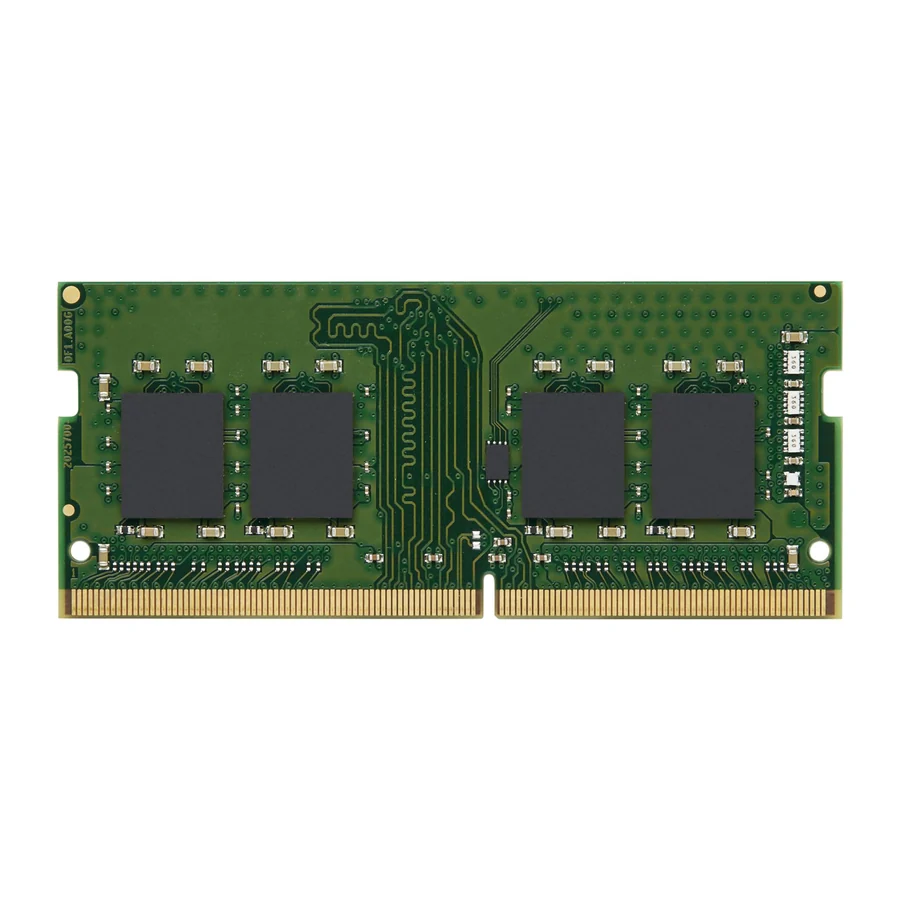
Kingston
An upgrade that earns its keep
More memory can help when your computer runs out of breathing room. This is an example of the type of part we might use; I’ll compare compatible options before recommending a purchase.
The photo is an example, not a universal part. DDR generation, size, capacity limits, and soldered memory all matter. Apple-silicon Macs don’t have user-upgradable RAM.
Example: 16 GB DDR4-3200 SO-DIMM. This is not a universal part. I’ll check whether memory is the bottleneck and match the exact specification before you buy.
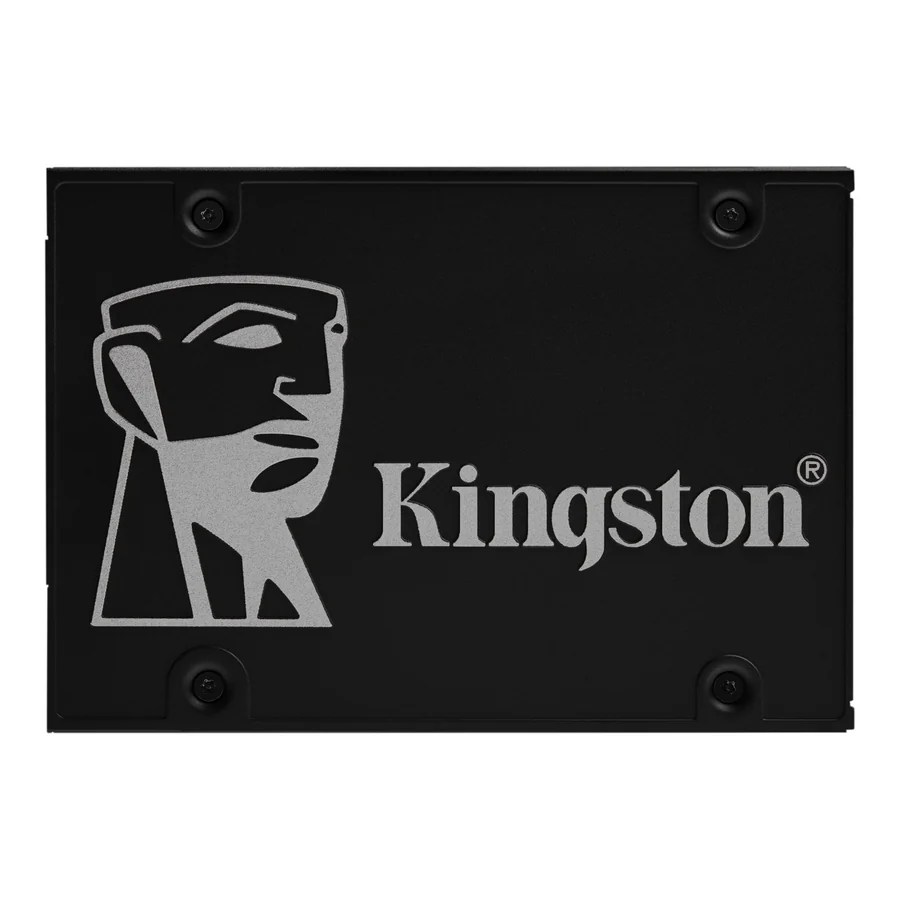
Kingston
Give an older computer a fresh start
For a compatible older computer still using a hard drive, an SSD can make startup and everyday use feel much more responsive.
This recommendation is the 2.5-inch SATA version. It does not replace an M.2 NVMe drive. We’ll check the machine and protect your files before changing anything.
A storage upgrade won’t fix every problem. We’ll consider the rest of the computer and its operating-system support, too.
My 4K pick, plus a sharper 5K option.
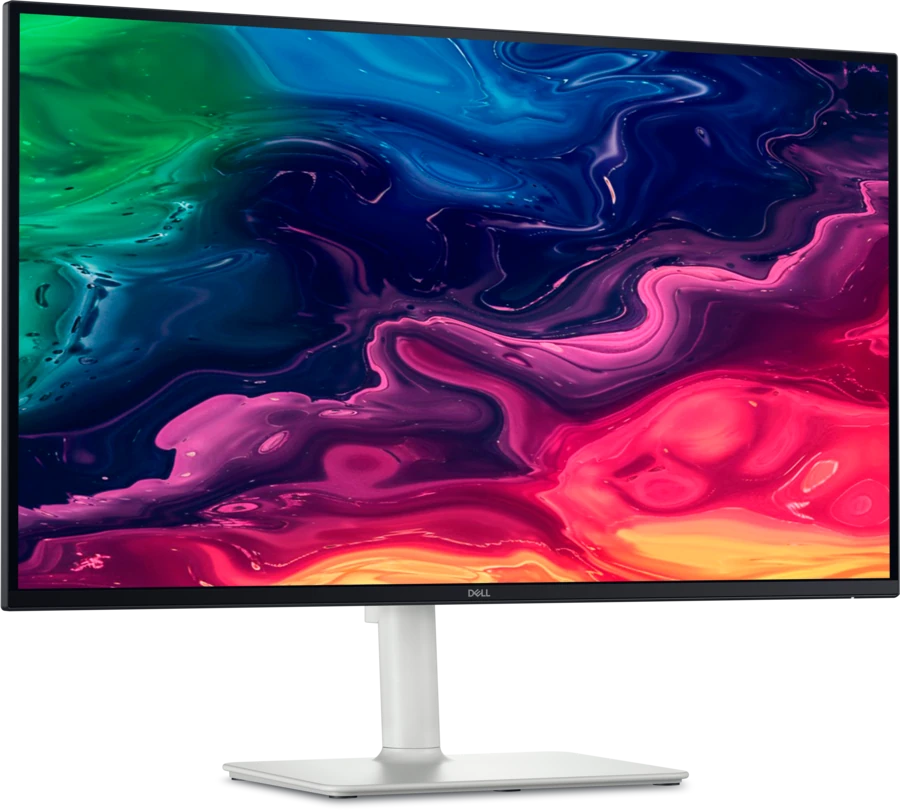
Dell
My everyday 27-inch screen
The monitor I use: a sharp 4K picture, smoother scrolling, and a useful USB-C connection without jumping to studio-display prices.
27-inch IPS, up to 120 Hz, an adjustable stand, and built-in speakers. USB-C can carry video and deliver up to 65 W to a compatible laptop.
Check your computer, cable, and display support for 4K at 120 Hz. Higher-power laptops may still need their own charger.

ASUS ProArt
A sharper 5K step up
A good-value place to look when crisp text and a generous workspace matter more than a high refresh rate. Especially appealing for a Mac desk.
27-inch 5120 × 2880 display at 60 Hz, adjustable stand, anti-glare finish, and USB-C with up to 96 W of charging.
For a one-cable USB-C setup, your computer must support 5K video over USB-C. DisplayPort and HDMI are also available. This is 60 Hz, not the Dell’s 120 Hz; check your computer’s supported resolution before buying.
Keep the accessories you use every day within easy reach.
A more comfortable setup. A clearer call.
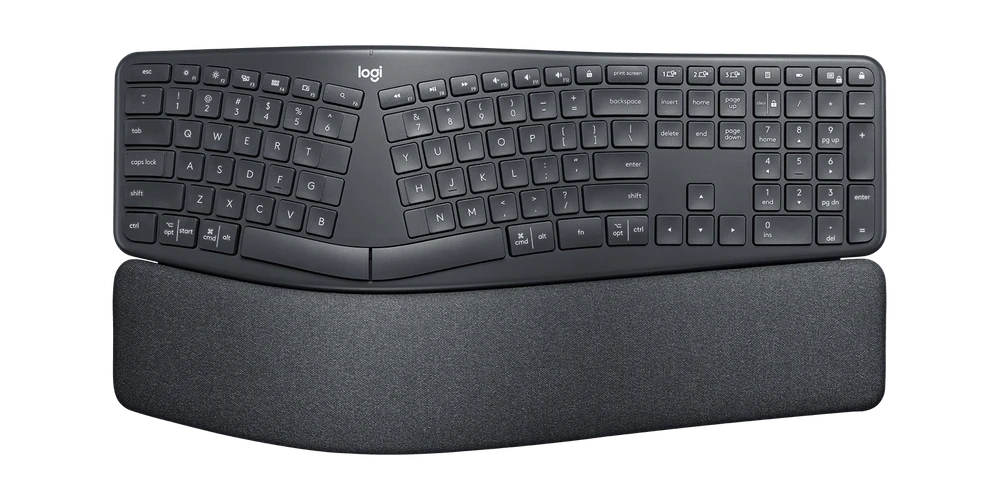
Logitech
Give your hands a different angle
A curved, split keyboard with a cushioned palm rest. A thoughtful option if a flat keyboard leaves you feeling cramped.
Full-size layout for Mac and Windows, with three-device switching. Connect over Bluetooth or the included Unifying receiver.
The split layout takes practice and needs desk space. No backlighting; uses two AAA batteries. This consumer model uses Unifying, not Logi Bolt.
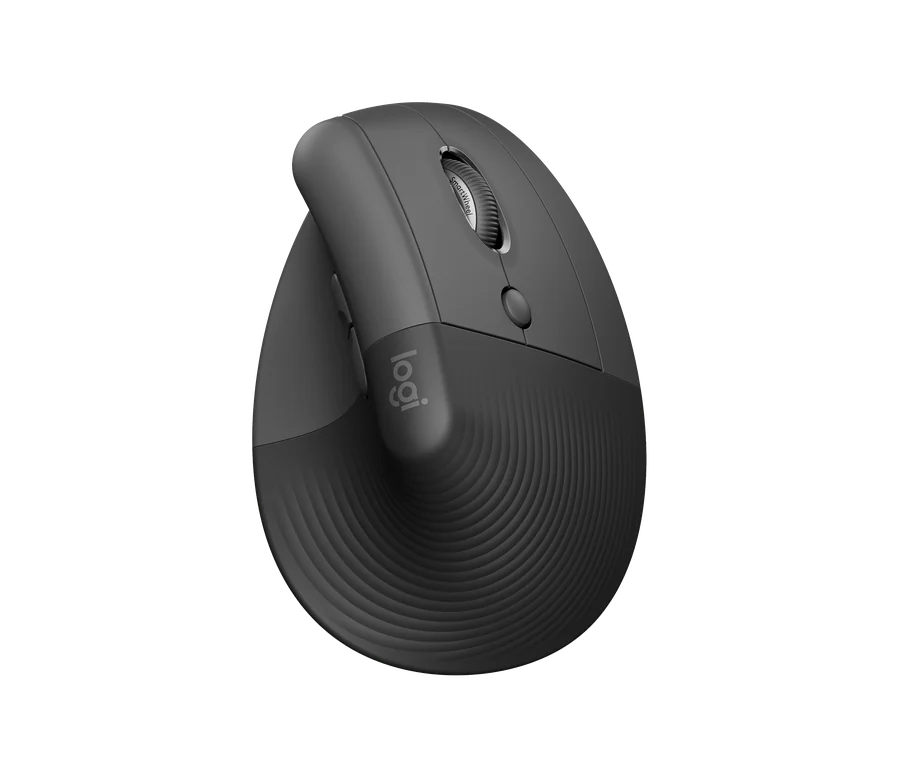
Logitech
Comfort for your hand and wrist
Lift’s vertical shape supports a more natural hand position and is designed to reduce wrist pressure. Worth trying if long stretches at a mouse leave your hand feeling strained.
Choose the correct right- or left-handed model and check your device connection. A return window is useful when trying a new shape.
Best suited to small or medium hands. Comfort is individual; this is not a treatment for wrist pain. I can help with pointer speed, button settings, and desk positioning, too.
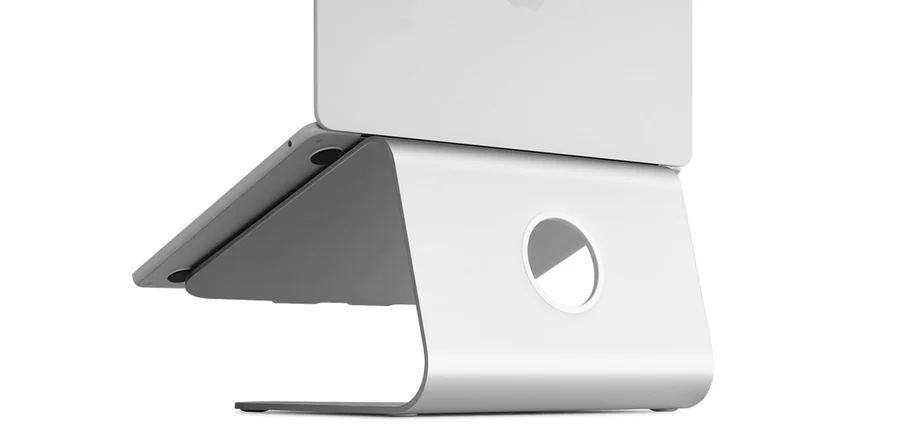
Rain Design
Put the screen where you need it
A well-made stand can bring a laptop screen closer to a comfortable viewing height without replacing the computer.
Pair a raised laptop with a separate keyboard and mouse. Check desk depth, laptop size, and airflow.
We’ll fit the setup to your space and how you use it—not build a desk full of accessories you don’t need.
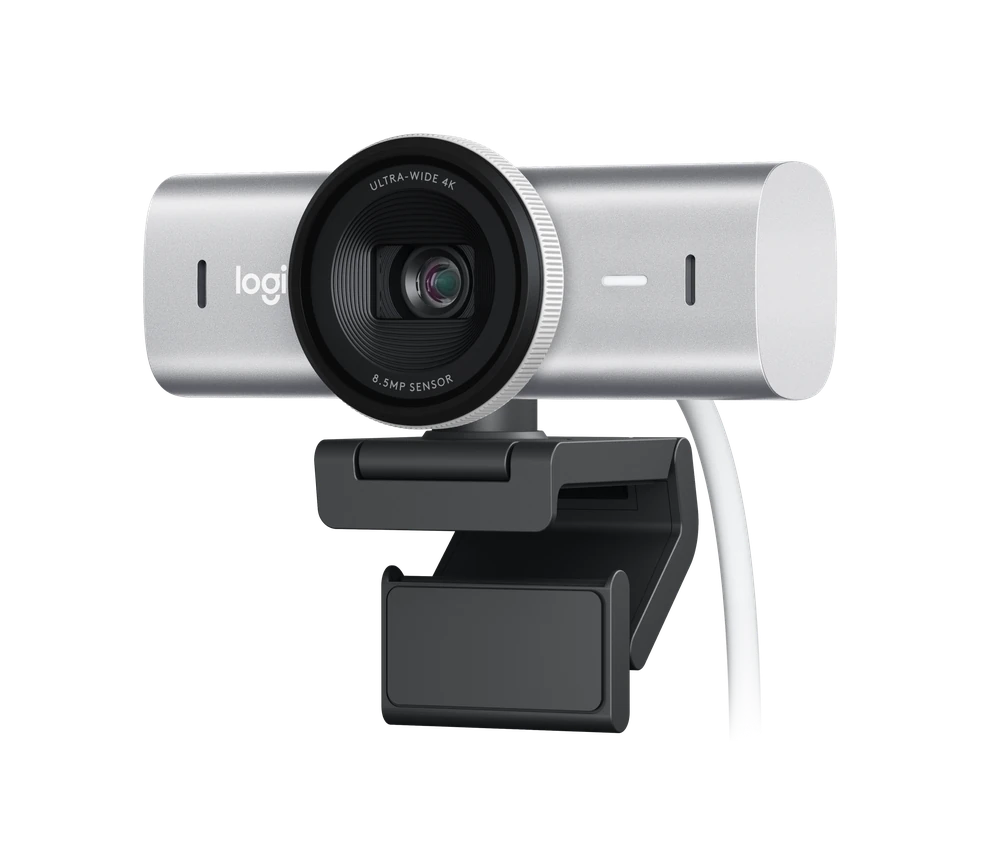
Logitech
A clearer face on the other end
A refined webcam for calls, lessons, and showing someone what you’re working on. AI image adjustments help with exposure and detail.
Up to 4K at 30 fps or 1080p at 60 fps, with a rotating privacy shutter. Connect to a USB-C port supporting USB 3.0.
Your calling app, internet connection, and lighting affect what others see. A 4K webcam doesn’t guarantee a 4K video call.
A few useful extras, with a clear job to do.
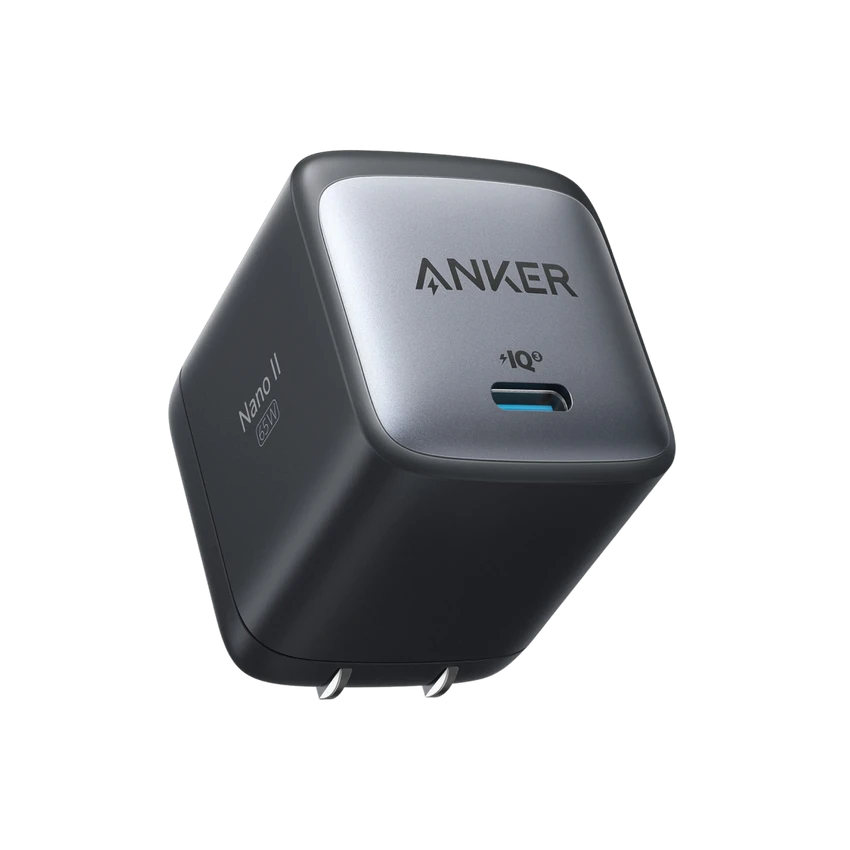
Anker
One smaller charger to carry
A compact, folding-plug USB-C charger for compatible phones, tablets, and many laptops. Useful for a bag or a less cluttered charging spot.
One USB-C output, up to 65 W. Match the charger and a suitable USB-C cable to your device’s power requirements.
Charges one device at a time; cable sold separately. Larger laptops may need more power, especially while working.

Vornado
A small comfort for your desk
A compact personal fan with simple controls and airflow you can aim. Sometimes making your tech space better means making yourself more comfortable.
About 6 inches tall, with three speeds and an adjustable head. Needs a power outlet; it is not a USB-powered fan.
Fan sound and comfort depend on the speed and distance. Keep airflow and loose cables clear of your work area.
Explore Apple’s collection, then see the other products I’d consider.
Browse Apple’s own curated collection.
Philips Hue, Lutron, Eve, and Aqara. Individual picks from $29.99; hubs or extras may be needed.
Start with one useful change. Check each product’s hub and Apple Home requirements below. Agree on alerts and camera use together; these aren’t emergency-response or personal-care systems.
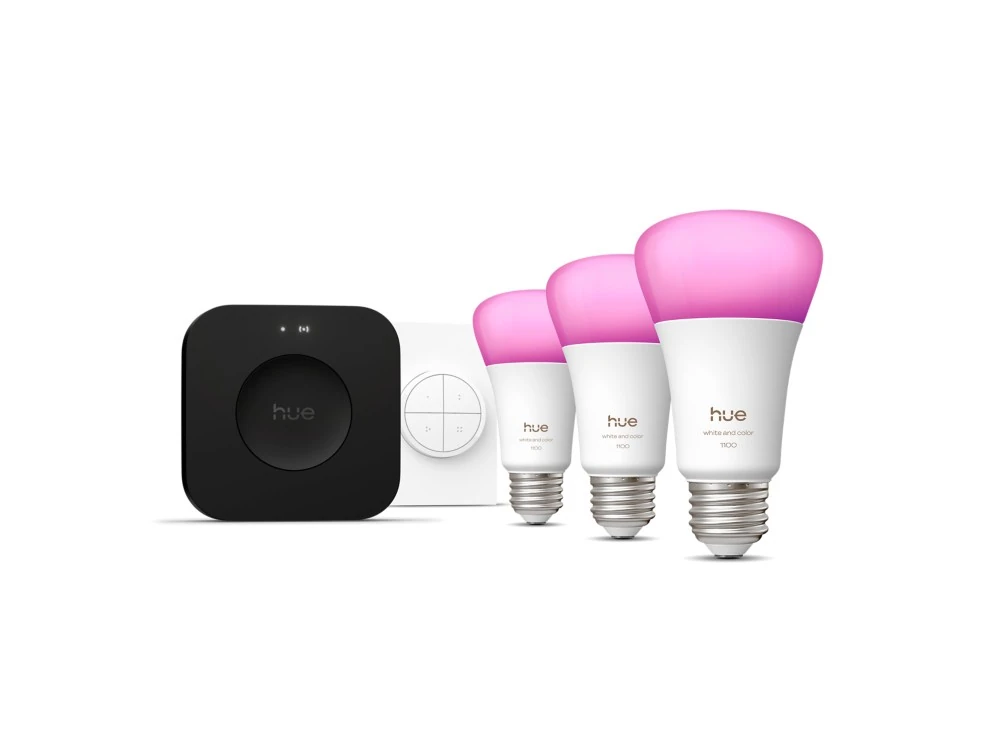
Philips Hue
Better light, with a real button
Three color bulbs, a Bridge Pro, and a Tap dial switch make a useful starting point. Adjust the mood, set a routine, or turn the lights down without reaching for your phone.
This kit uses E26 bulbs. Check your fixtures and bulb size before buying. The included Bridge Pro connects Hue lighting to Apple Home through Matter.
Keep power to the smart bulbs on. The Tap dial gives you a physical control; some effects and setup stay in the Hue app.
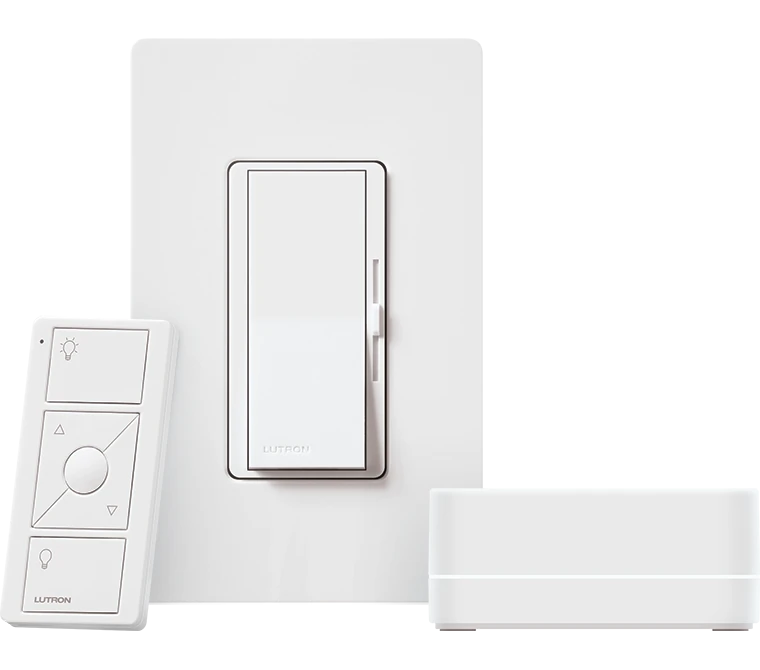
Lutron Caséta
A familiar switch, a smarter routine
For lights you want to control at the wall as well as in Apple Home. The kit pairs a familiar paddle and dimmer with a Smart Hub and wireless Pico remote.
The included Caséta Smart Hub enables Apple Home integration. Match the dimmer to your bulbs, wiring, and circuit before ordering.
Hardwired installation should be handled by a qualified electrician. LES can help with compatible devices, app setup, scenes, and everyday use.
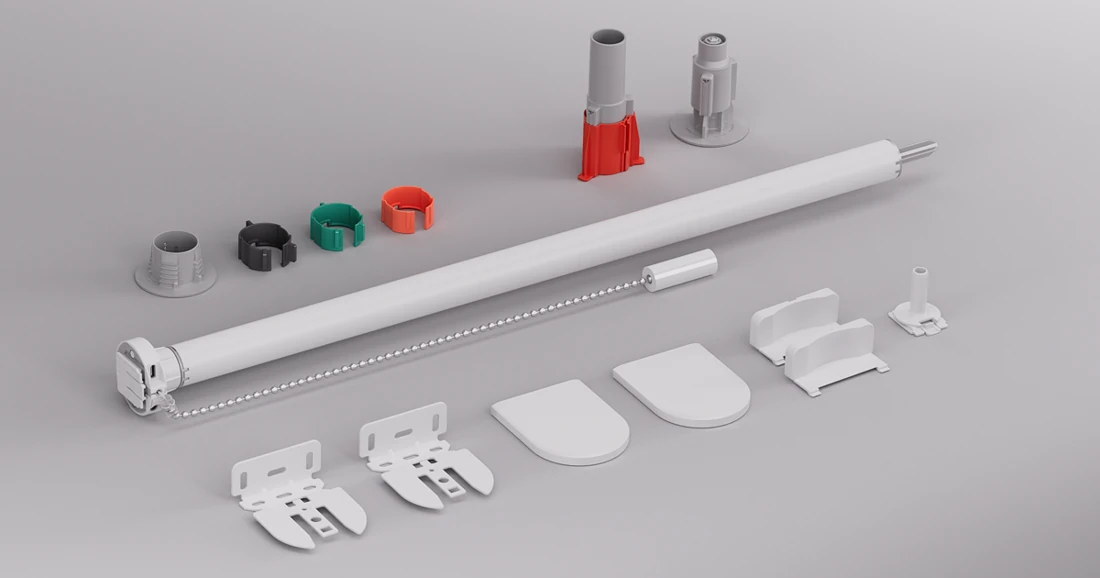
Eve
Let the light in, with less reaching
Add motor control to compatible roller blinds. Open them with a routine or a voice command—useful when the window is hard to reach.
Measure the blind width and tube first. The small-tube kit fits 25–30 mm tubes; the large-tube version fits 38–51 mm. Matter control needs a compatible home hub and Thread border router.
Rechargeable over USB-C. Existing compatible blinds are separate. Core operation has no Eve cloud subscription. Keep a familiar control available for everyone at home.
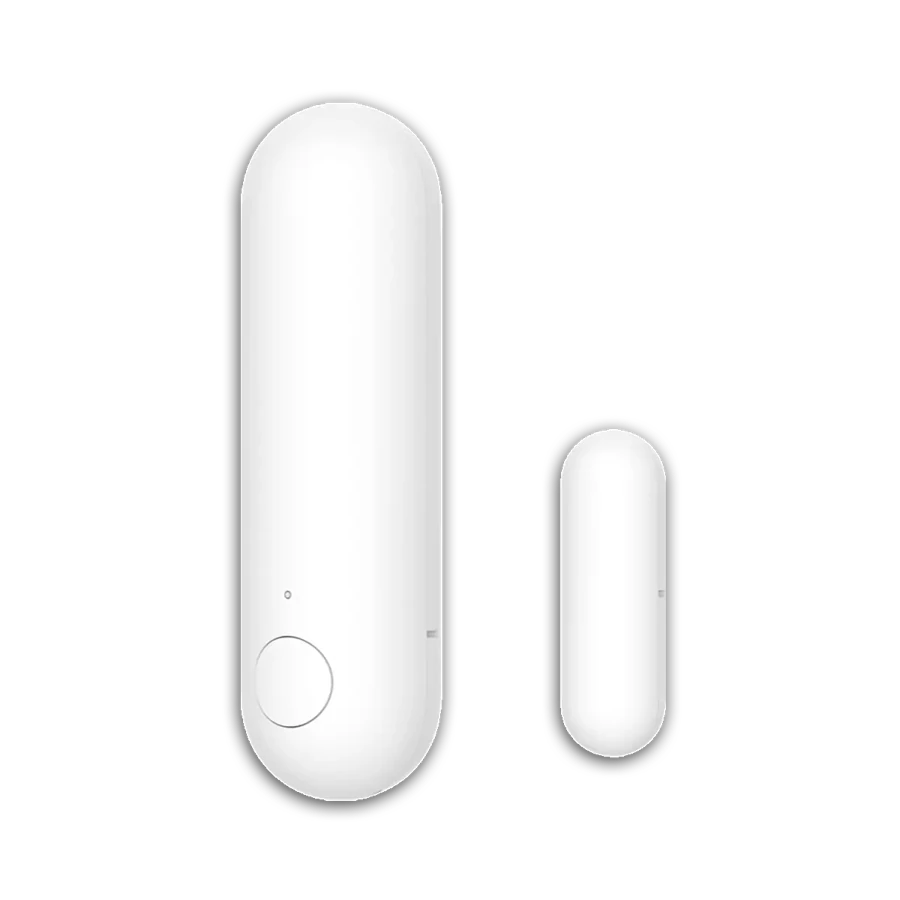
Aqara
A little awareness, without a camera
See whether a door or window is open, or use it to trigger a light. A small addition for a shared home or someone who wants a useful reminder.
Requires a compatible Matter controller and Thread border router. Check your exact Apple home hub before buying; not every hub supports Thread.
Agree on alerts and shared access with the people who live there. This sensor is not an emergency-response service or a substitute for care.
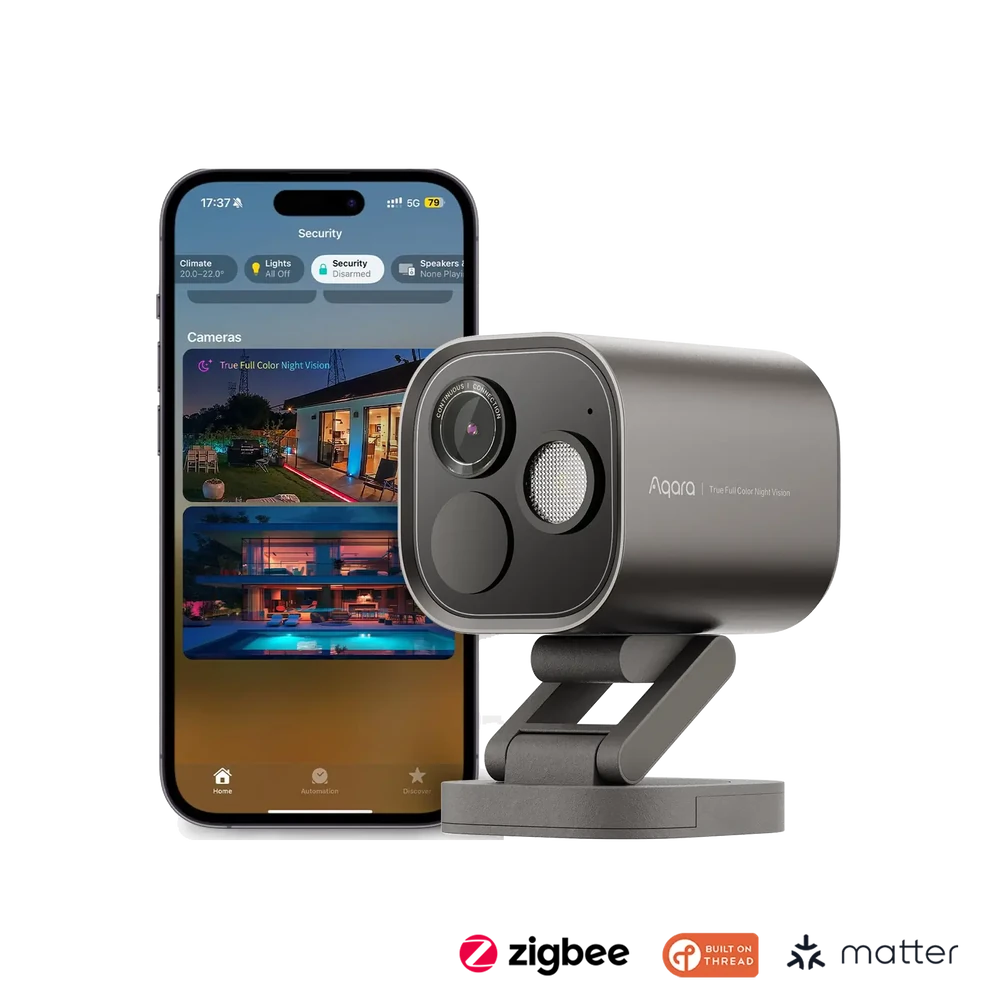
Aqara
A camera that can grow with your home
My pick for an outdoor camera that also connects compatible Aqara sensors. Start with one useful view, then add things like door or water-leak alerts when they help.
Choose Wi-Fi or Power over Ethernet to suit the location. Apple Home support does not mean every Aqara sensor or camera feature appears in Apple’s app.
HomeKit Secure Video recording needs a compatible Apple home hub and iCloud+ plan. Aqara’s local recording options are separate; check the storage and setup you want. Talk with people who live or visit there before recording, and aim it only where you’re entitled to record.
Start with built-in settings. Add a tool when it fits the person.
Built-in settings first. Extra controls when they help.
Start with what’s already included—$0. Bigger text, captions, Voice Control, and Apple’s Assistive Access can make a device easier to use. Availability depends on the device and software. Explore help that fits you
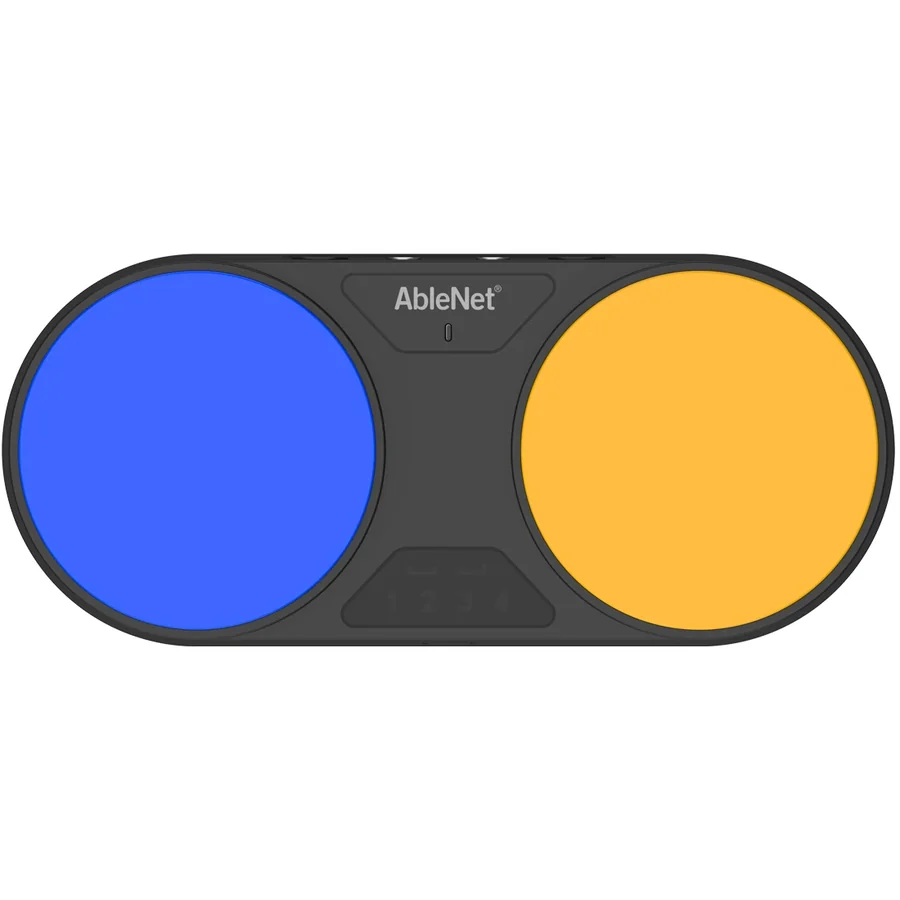
AbleNet
Another way to make a selection
A wireless switch option for someone who finds a touchscreen or mouse difficult to use. It can provide an easier action for selecting and moving through compatible controls.
Works with compatible switch-access software, including Apple Switch Control. We’ll try the device, settings, placement, and scanning pace together.
Start with the access method that feels comfortable. A switch may need setup and practice; it isn’t a one-size-fits-all solution.
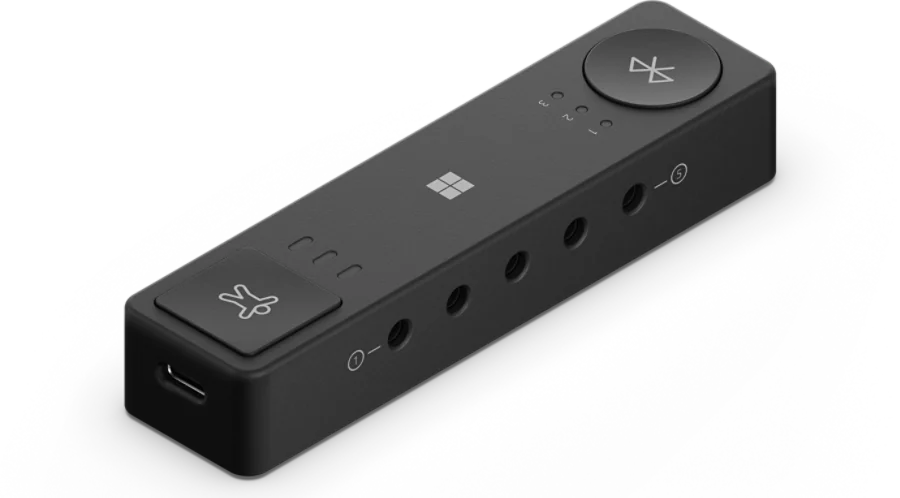
Microsoft
Controls arranged around you
A flexible option for connecting compatible switches and assigning actions when a standard keyboard or mouse doesn’t fit the way you move.
Configuration uses Microsoft Accessory Center on Windows 10 or 11. Check the specific switch, device, and operating system before buying.
Availability can be limited. Some functions depend on the host device. We’ll check the controls you need and the exact hardware before ordering.
Communication apps, chosen around the person.
AAC means augmentative and alternative communication: tools that add to or offer another way to speak. These established options can support some autistic people and others with speech or communication needs. Fit matters more than a feature list.

AssistiveWare
Words, pictures, and a voice
A widely used AAC app for people who communicate with symbols or typed words. Build a vocabulary around the person, their routines, and what they want to say.
For iPhone and iPad, with Apple Watch support. Choose the vocabulary and access method with the person and, where helpful, their speech-language professional.
LES can help with installation, backups, access settings, and everyday use. Communication assessment and therapy belong with a qualified professional.
Tobii Dynavox
Communication that can grow with you
Another established AAC option, with symbol-based communication and different page sets. A trial can help you explore the layout before choosing a plan.
The iPad app offers a one-month trial of speaking features, then a paid subscription. Check the page set, language, device, and access method with the person who will use it.
Optional PODD and Gateway page sets cost $4.99/month each. LES can help set it up and support everyday use; a speech-language professional can guide communication assessment.
Tell me what you use and what you’d like to make easier. We can start there.
Model options, availability, and prices can change. Check the exact version before ordering. Product photos and app artwork belong to their respective owners. The orange home symbol is an LES illustration. LES is independent and isn’t endorsed by these brands.
Your local tech person in Brandon, FL and nearby.
A.I. — Actual Intelligence.
I’m Jason Rinaldi, owner and operator of Local Electronic Solutions. When you reach out, you’ll work directly with me.
I've been helping people get along with their technology for over 15 years. One thing has always stood out to me: people are rarely given the space to feel frustrated or the time to learn, ask multiple questions, and practice until they feel comfortable and confident in the diagnosis, the tutoring, or the solution.
At Local Electronic Solutions, your issues, interests, and abilities are all taken into consideration when setting up and teaching the systems that run our lives. LES can help configure a device with limited access or accessibility settings for a loved one, or bring AI into your personal or business workflow.
Wearables, phones, tablets, laptops, desktops, gaming consoles, VR, TVs, smart home, accessories, & more: I can help with setup, tutorials, diagnostics, and repair via phone, virtually, and in person.
Reach out for help today!
Call or text Jason: 813-687-2818
— Jason Rinaldi, owner, Local Electronic Solutions LLC
I spent four years studying electronics at Platt Regional Vocational-Technical School in Milford, Connecticut—now Platt Technical High School. That shop, and the teachers in it, shaped the way I learn, keep growing, and help people.
“Twinkle, twinkle, little star, E equals I times R.”
My omega tattoo is a nod to Ohm’s law. I still remember that rhyme, along with some very colorful ways to remember resistor color codes. The lessons stuck—and so did the curiosity.
We talk through the problem and agree on the help and price before booking.
Ask again, try it yourself, or slow things down. We work at your pace.
Clearer settings, written steps, and a setup that fits the way you use it.
Outside of work, I’m a husband and a father of two. Our house is full of dogs, cats, and a 3D printer that’s usually running.
I’ve always liked figuring things out. Explaining them is the part I enjoy most—especially that moment when something finally clicks.
Local Electronic Solutions LLC is an independent, Florida-registered business. I’m not affiliated with Apple, Best Buy, or any manufacturer or service provider. The advice you get is my own.
How help works, what it costs, and what happens next. You can ask a question without booking.
Search or open a question below.
No. It prepares a message for you to send. We’ll talk through the help, price, and appointment before booking. Sending a request doesn’t cost anything.
Start with what’s happening or what you’d like to learn. Call, text, or use Get help to prepare a message; you don’t need to choose a service first. We’ll choose the time and format together. A small remote task may fit 15 minutes; a focused task or short lesson, 30; a bigger setup or lesson, 90. Repairs are quoted separately.
No. Book one-time help whenever you need it. Ongoing support is an option for regular help from someone who gets to know your setup.
Yes: Brandon, FL, and nearby communities. Send me your ZIP code and I’ll confirm the visit before we book. The 30-minute nearby option covers a smaller travel area than longer appointments.
We talk by phone or video. If useful, I’ll guide you through a one-time screen-share. You approve the connection, can end it at any point, and enter your own passwords.
Yes. You can arrange the appointment and sit in. I’ll include the person using the device in the conversation and work at their pace. Household Care can cover up to four people in one household or two related households.
When the task is small and clearly defined, likely to fit 30 minutes, and you’re within about 10 minutes of where I am. We confirm the address and the time first. There’s no travel fee for an agreed, truly local Quick Help visit. Extra time needs your approval, and a longer appointment may be the better fit.
Tell me the device and what’s wrong. I’ll confirm whether I can help and quote the repair and parts separately. You approve the quote before any repair work begins.
The fee covers time and work, not a guaranteed fix. I’ll explain what I found and your practical next options. Repairs and parts always need your approval of a separate quote.
Veterans, first responders, healthcare workers, and anyone 65 or older get 5% off eligible one-time services.
If you refer someone, you earn a future 5% reward after the new customer’s first completed, paid service. Being referred does not automatically earn a discount.
One discount per appointment, no stacking. It doesn’t apply to repairs, parts, memberships, member rates, or the welcome offer.
Each plan includes the sessions listed on Services. Start with three monthly dues payments, then month to month. I’ll explain billing and cancellation before you join.
Member visit rates are paid separately from dues and require an active, paid plan. Unused monthly minutes and credit don’t roll over.
Requests are welcome anytime; appointments are by arrangement. Short-notice help depends on availability; immediate and emergency support are not guaranteed.
Diagnostics and troubleshooting use your included sessions or paid member visits, with no separate assessment fee or annual diagnostic limit. Extra time beyond an included session or booked member visit is $15 per 15 minutes, only with your approval.
Remote sessions are by phone, video, or screen-share.
Household Care’s nearby visit follows the Quick Help conditions: a small, clearly defined task, within about 10 minutes of where I am, with the address and time agreed first.
Business Priority includes a 45-minute on-site check-in; its other sessions are remote. Repairs, parts, third-party costs, and agreed travel are separate.
Business Priority includes $25 each billing month toward extra member time or a discounted visit. You can use it over more than one appointment; any remaining balance stays available until that billing month ends.
Unused credit does not roll over or convert to cash.
It cannot cover dues, the welcome visit, repairs, parts, or travel.
Add a 60-minute welcome visit for $80, booked within 30 days of joining. That saves $40 compared with a $120 non-member visit.
We’ll work on your top issue and list your devices and next steps.
With your first three monthly dues payments, the totals are $185 for Tech Guidance, $350 for Household Care, $575 for Business Priority.
One welcome visit per new person, household, or business. The 5% discount doesn’t apply to it.
No matching question. — tell me what you’d like to know.
Make LES comfortable to use, or clear what this browser remembers.
Clear the answers, message drafts, and sent status in this tab. Home will reload. Your display preferences stay the same.
Restore the default display settings, clear this tab’s request, and return Home to the welcome screen.
Messages you’ve already sent and requests open in other tabs are not erased. The public offline guide and Home Screen icon stay available.
The saved offline guide is public information, separate from your request and display settings.
Offline help will stop working until you open LES again while connected. Your Home Screen icon and current request stay in place.
Nothing is sent or booked by these controls. Read about your information.
Contact
Tell me what you need help with and roughly where you are. If I’m with someone, leave a message and I’ll call you back when I’m free.
Please don’t send passwords, card numbers, or account details by text or email. We’ll handle those together, on your device, when we meet. How I handle your information.